|
Home > Screenshots |
|||
The Cenon User interface |
|||
The graphics window of Cenon
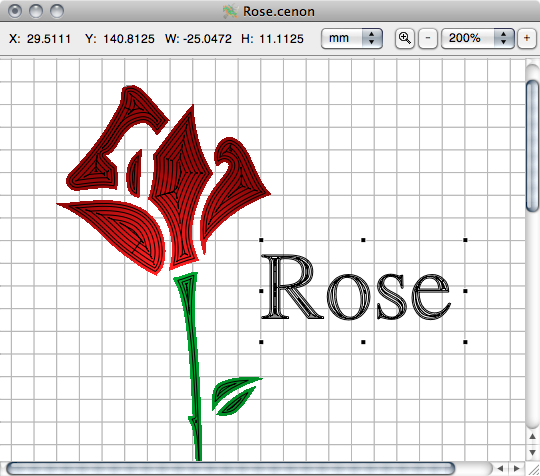 In a graphic window like this your graphic will be displayed, and if you like also the output path of the machine. You can edit your graphic precisely and comfortable using the mouse. In this example the rose was rubbed out with a 1 mm tool, and the text with a 0.5 mm tool. The tool radius correction was performed to the inside. Aditionally it was choosen a contour filling, which is seen very good in the bloom of the flower. Managing layers with Cenon 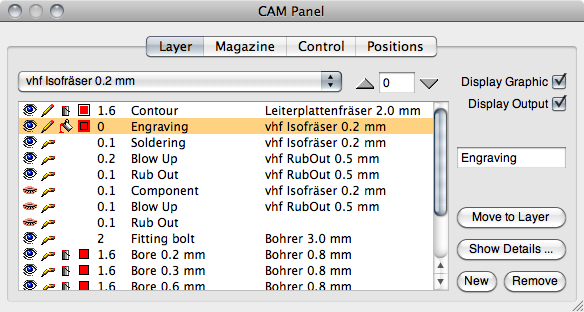 Cenon allows you the intuitive management of the different output layers of your project.
|
|||
 Whether the layer is displayed
  or not
 editable
  or not
 filled/rubbed out
  or not
 tool radius correction to the outside,
  inside,
  or no correction
© Cenon GmbH - the sense of motion